From raw lecture
to a real review session.
Add the material from class, let Lectify organize it, then study from outputs that stay tied to the lecture they came from. Lectify is not just transcription — it's the full workflow from lecture to notes to studying.
Add class material
Start with whatever you have — record the lecture live in Lectify, drop in audio from any app, or upload slides on their own when no audio is available. Pick the class so the note stays grouped with the rest of the course.
- Built-in recorder with live transcript
- Upload MP3, WAV, M4A, WebM, OGG
- PDF and PPTX slides (with or without audio)
- Tag the lecture to a class on the way in
Step 01
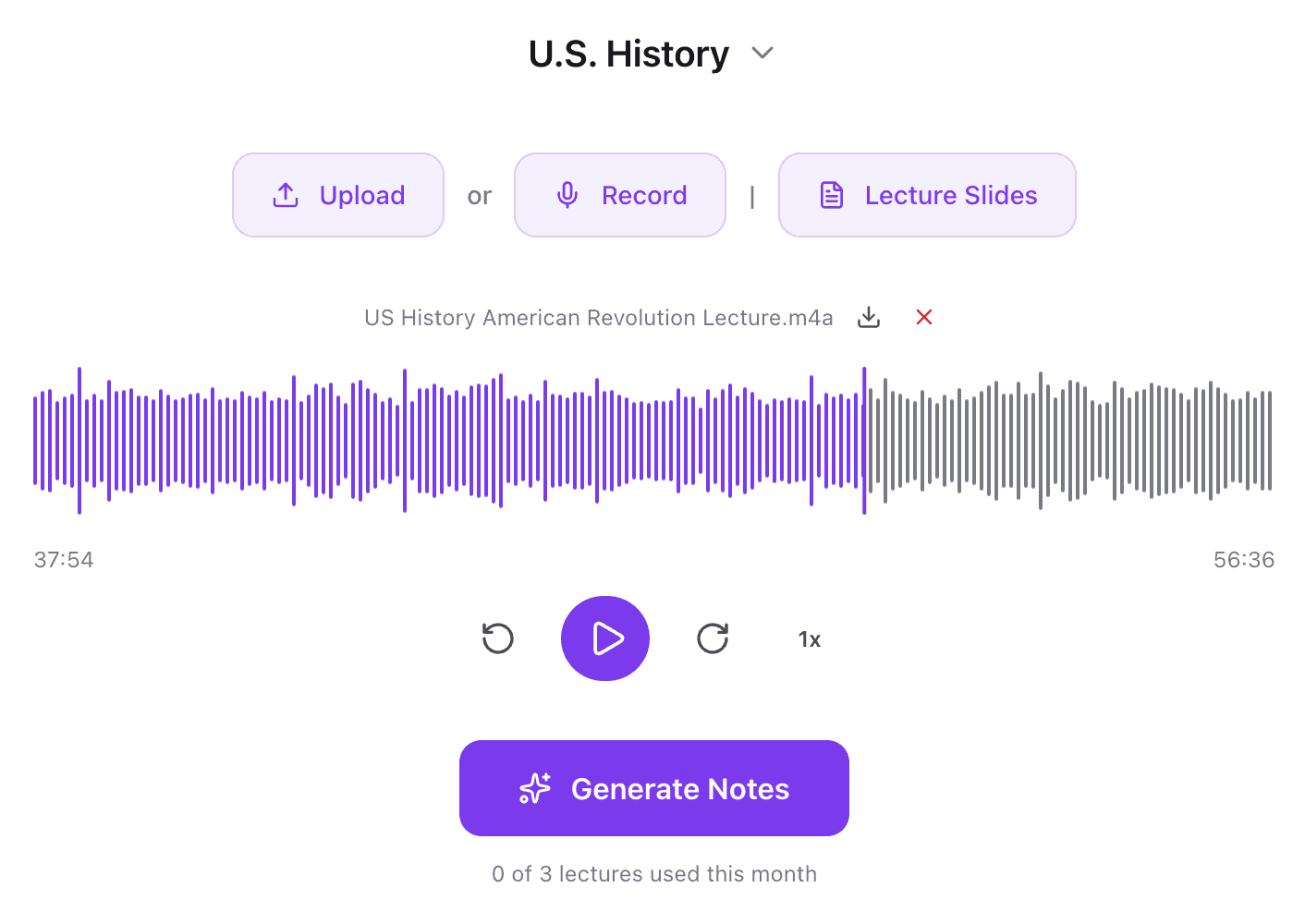
Lectify transcribes and reads the slides
Audio becomes a transcript. Slides get parsed for text and, where supported, used directly for visual understanding. The point: Lectify doesn't treat audio and slides as separate inputs — it combines them so the final note reflects both what the professor said and what was on screen.
- Transcripts produced from the recording
- Slide text and visuals extracted
- Audio + slide context fused into a single source
Step 02
Generate structured notes
The transcript and slide context become a chapter-by-chapter set of notes built to study from — sections, summaries, key terms, likely exam points, and rich blocks where they help. The original transcript is still saved alongside, searchable any time you want to verify exact wording.
- Chapter / topic / section organization
- Key terms, definitions, examples, likely exam points
- Rich blocks: equations, worked examples, tables, graphs, chemical equations, Lewis structures, diagrams
- Rendered LaTeX for math + science notation
- Full transcript saved alongside, fully searchable
Step 03
Ask questions or edit the note
Once the note exists you can talk to it. Ask follow-up questions about the lecture, highlight a confusing section and ask Lectify to clarify it, or use Smart Edit to rewrite, expand, simplify, or restructure parts of the note without regenerating the whole thing. Forgot to attach slides? Add them later — Lectify will pull them into the existing note.
- Ask your notes (scoped to the lecture, including selected text)
- Smart Edit: rewrite, clarify, expand, simplify, restructure
- Targeted edits without regenerating the entire note
- Add slides later to enrich an existing note
Step 04
Study and track progress
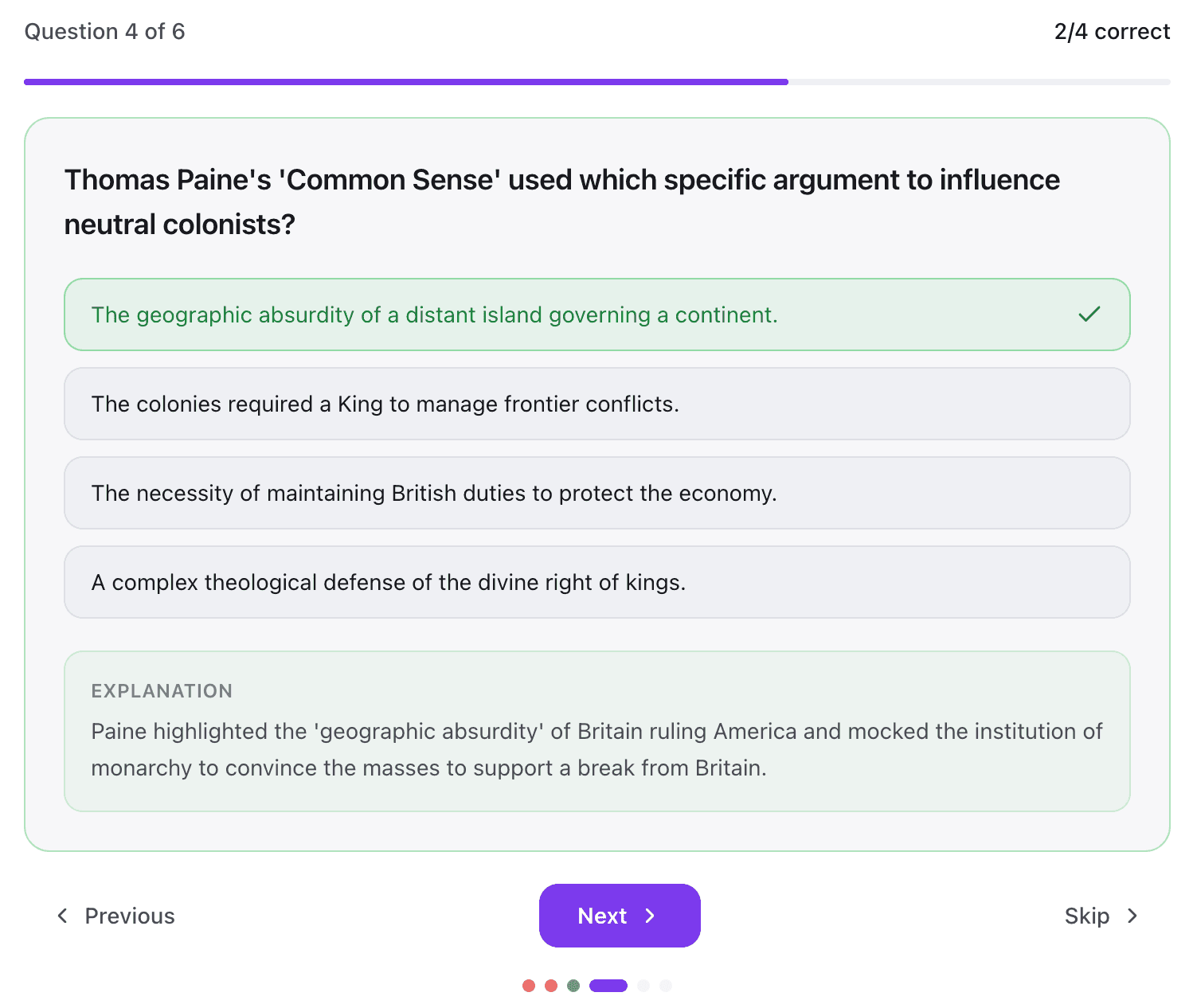
From the same note, generate the practice tools you actually need: quick flashcards and quizzes for a fast review, or mastery mode for concept-level tracking across flashcards, multiple choice, matching, fill-in-the-blank, problem sets, mock exams, learn mode, cheat sheets, and study guides. Mastery mode keeps attempts and correctness over time so you can keep practicing what you don't know yet.
- Quick study: flashcards + MC quiz, scoped to the notes you pick
- Mastery mode: concepts, progress tracking, multi-tool practice
- Instant feedback and explanations on every question
- Review missed items or focus on weak concepts
- Generate study guides + cheat sheets from the same source
Step 05
Why not just a transcript?
A raw transcript is a wall of text with no structure. Lectify turns audio and slides into organized notes with clear sections, highlighted concepts, and study outputs that are actually useful before the quiz.
The transcript is still there — searchable and saved alongside — but the notes themselves are built for review, and the study tools are built on top of them.
Try it with your next lecture.
No setup. Free forever. Sign in with Google.